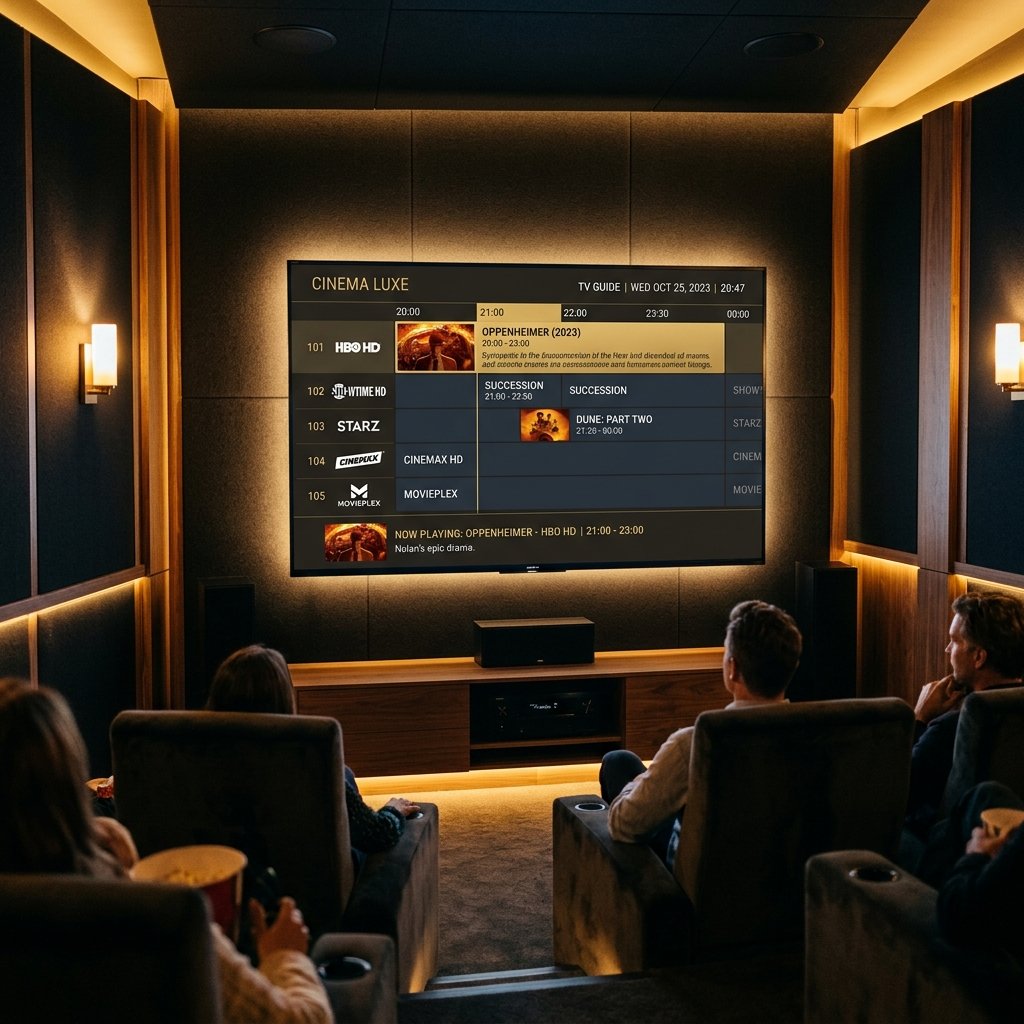
TiviMate is the most polished IPTV player for Android TV. Its TV guide, favourites and catch-up support make a cheap box feel like a proper set-top experience. Here's how to install it, add your playlist, and which devices it does — and doesn't — run on.
Which devices run TiviMate?
| Device | TiviMate? | What to use |
|---|---|---|
| Android TV box / Google TV | Yes | Play Store or Downloader code 272483 |
| Firestick (Fire OS) | Yes | Downloader code 272483 |
| Android phone or tablet | Not designed for it | IPTV Smarters |
| Samsung Smart TV (Tizen) | No | SS IPTV, or a Firestick |
| LG Smart TV (webOS) | No | SS IPTV, or a Firestick |
| iPhone / iPad | No | IPTV Smarters |
Install TiviMate on an Android TV box
On a Google TV or Android TV box, open the Play Store, search 'TiviMate' and install it. If it isn't listed for your box, install the Downloader app from the Play Store, enable 'Install unknown apps' for Downloader in Settings → Device Preferences → Security & restrictions, then use the code below.
Downloader code for TiviMate: 272483. It resolves to files.tivimate.com, the developer's own download — checked October 15, 2026.
Install TiviMate on a Firestick
Follow the Firestick steps in our Downloader codes guide, but enter 272483 instead of the Smarters code. Everything else — Developer Options, allowing Downloader to install apps — is identical.
Add your playlist
- 1Open TiviMate and choose Add playlist.
- 2Pick Xtream Codes (recommended) or M3U playlist.
- 3Enter the server URL, username and password IPTVShop sent you — or paste the M3U link.
- 4Name the playlist, press Next, and let TiviMate build the guide.
TiviMate Premium: is it needed?
The free version plays your channels, but most of what makes TiviMate special — multiple playlists, favourites, catch-up, recording and guide customisation — needs TiviMate Premium. Premium is bought through the TiviMate Companion app on an Android phone and then unlocked on the TV with your account. If you'd rather not pay for a player, IPTV Smarters is free and works with the same login.
Can I use TiviMate on my phone?
TiviMate is built for TVs and a remote control. It can be installed on some phones, but the layout and controls aren't designed for touch screens. On a phone, IPTV Smarters is the better experience with the same subscription.
Can I install TiviMate on a Samsung or LG TV?
No. TiviMate is an Android app, and Samsung (Tizen) and LG (webOS) TVs don't run Android apps. Use SS IPTV from the TV's app store, or plug in a Firestick or Android TV stick and install TiviMate on that.
Settings worth changing
- Favourites — long-press a channel to add it, then set Favourites as the start group
- Buffer size — raise it in Playback settings if streams stutter on Wi-Fi
- Guide update — set a daily refresh so the EPG never goes stale
- Hide groups — remove countries or categories you never watch to speed up browsing
Ready to start watching?
Pick a plan and we'll activate your line in minutes.