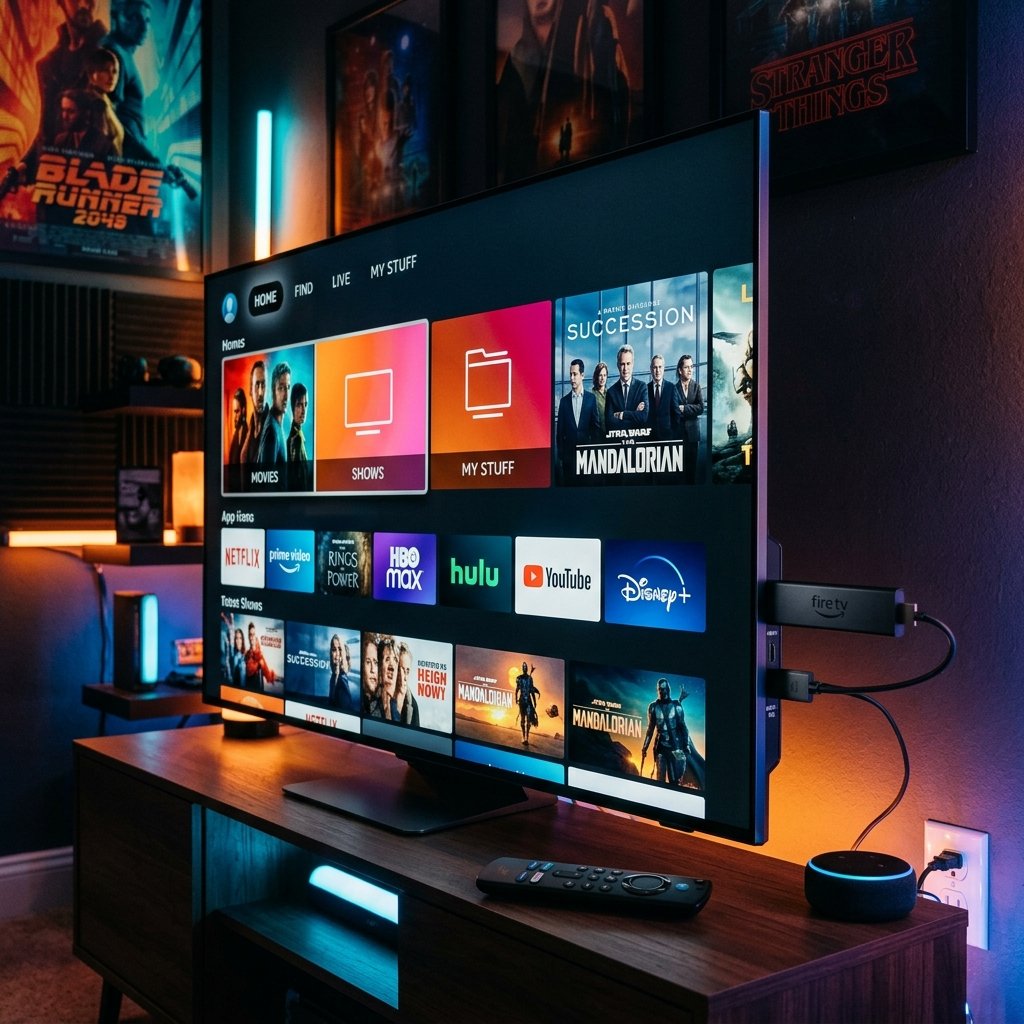
A Downloader code is a short number you type into the Downloader app on a Firestick or Android TV device. It stands in for a long web address, so instead of typing a full download link with the remote you enter a few digits and press Go. Below are the codes we use with customers every day, what each one actually downloads, and the full Firestick setup from start to finish.
IPTV Downloader codes (checked October 15, 2026)
| Player app | Downloader code | Downloads from | Best for |
|---|---|---|---|
| IPTV Smarters | 6468112 | iptvsmarters.com (official APK) | Firestick, Fire TV Cube |
| TiviMate | 272483 | files.tivimate.com (official APK) | Android TV boxes, Firestick |
| ELK Player | 82854 | elkplayer.com (official APK) | Lightweight alternative |
We resolved every code above on October 15, 2026 and confirmed it points to the app developer's own website — not a mirror or re-upload. Codes are run by AFTVnews and can be re-pointed by whoever registered them, which is why we re-check them.
Check any code yourself before you install: open aftv.news/CODE in a browser (for example aftv.news/6468112). The page shows the exact address the code redirects to. Only install if it's the app developer's own domain.
Does your Fire TV support Downloader codes?
Downloader codes work on Fire TV devices that run Fire OS, which covers the Fire TV Stick, Stick Lite, Stick 4K, 4K Max and Fire TV Cube. Amazon's newer Vega OS devices, such as the Fire TV Stick 4K Select, don't run Android apps, so a Downloader code can't install a player on them. If your stick is one of those, check the Amazon Appstore for a player, or use an Android TV device instead.
Step 1 — Turn on Developer Options
Go to Settings → My Fire TV. If you don't see Developer Options, open About, highlight your device name and press Select on the remote seven times. A message confirms you're now a developer, and Developer Options appears in the menu.
Step 2 — Install the Downloader app
From the Fire TV home screen, use Find → Search and type 'Downloader'. Install the app with the orange icon from the Amazon Appstore. Open it once and allow the permissions it asks for.
Step 3 — Allow Downloader to install apps
Back in Settings → My Fire TV → Developer Options, open 'Install unknown apps' and switch Downloader to ON. On older sticks this setting is a single toggle called 'Apps from Unknown Sources'.
Step 4 — Enter the Downloader code
Open Downloader, select the address box, type 6468112 and press Go. Downloader shows the destination and fetches the IPTV Smarters installer. When it finishes, choose Install, then Done. Downloader offers to delete the installer file — say yes to free up storage.
Step 5 — Log in with your line
Open IPTV Smarters, choose 'Login with Xtream Codes API', and enter the name (anything you like), username, password and server URL IPTVShop sends you on WhatsApp. The first load takes a moment while it pulls the channel list and TV guide.
Downloader code not working?
- 'URL not found' or nothing happens — check the digits. Codes are numbers only; there is no 'http' or dot to type.
- The page opens in Downloader's browser instead of downloading — the code was entered in the search box, not the address box. Use the address field on the Home tab.
- 'Parse error' or install blocked — 'Install unknown apps' is off for Downloader (Step 3), or there isn't enough free storage. Clear space and retry.
- The code now points somewhere else — skip it. Type the developer's download address directly in Downloader's address box, or message us for a current link.
Which player should you install?
IPTV Smarters is free, simple and accepts your login directly, so it's our default for Firestick. TiviMate has the best TV guide and favourites but needs a paid Premium subscription for most of its features. ELK Player is a lighter option if your stick is low on storage. You can install more than one and keep the one you prefer.
A note on 'free code' lists
You'll find long lists of 'free IPTV codes' online. A Downloader code only installs an app — it never includes channels or a login. Codes from unknown lists can point to modified apps you can't verify, so stick to codes that resolve to the developer's own domain.
Ready to start watching?
Pick a plan and we'll activate your line in minutes.